SD Card Format
FAT32 - MBR format
Troubleshooting
Z offset
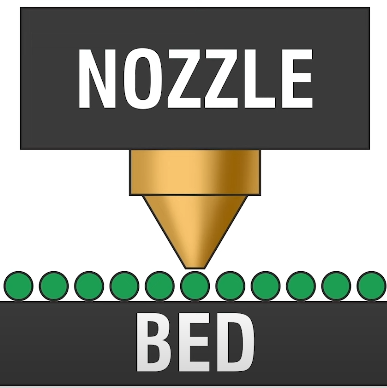
To get a good first layer. On newer printer this can be done within LCD screen, adjusting Z-Offset option. Older printer will need to manually adjust the bed with knobs
The more negative your Z-Offset is, the closer it is to your bed
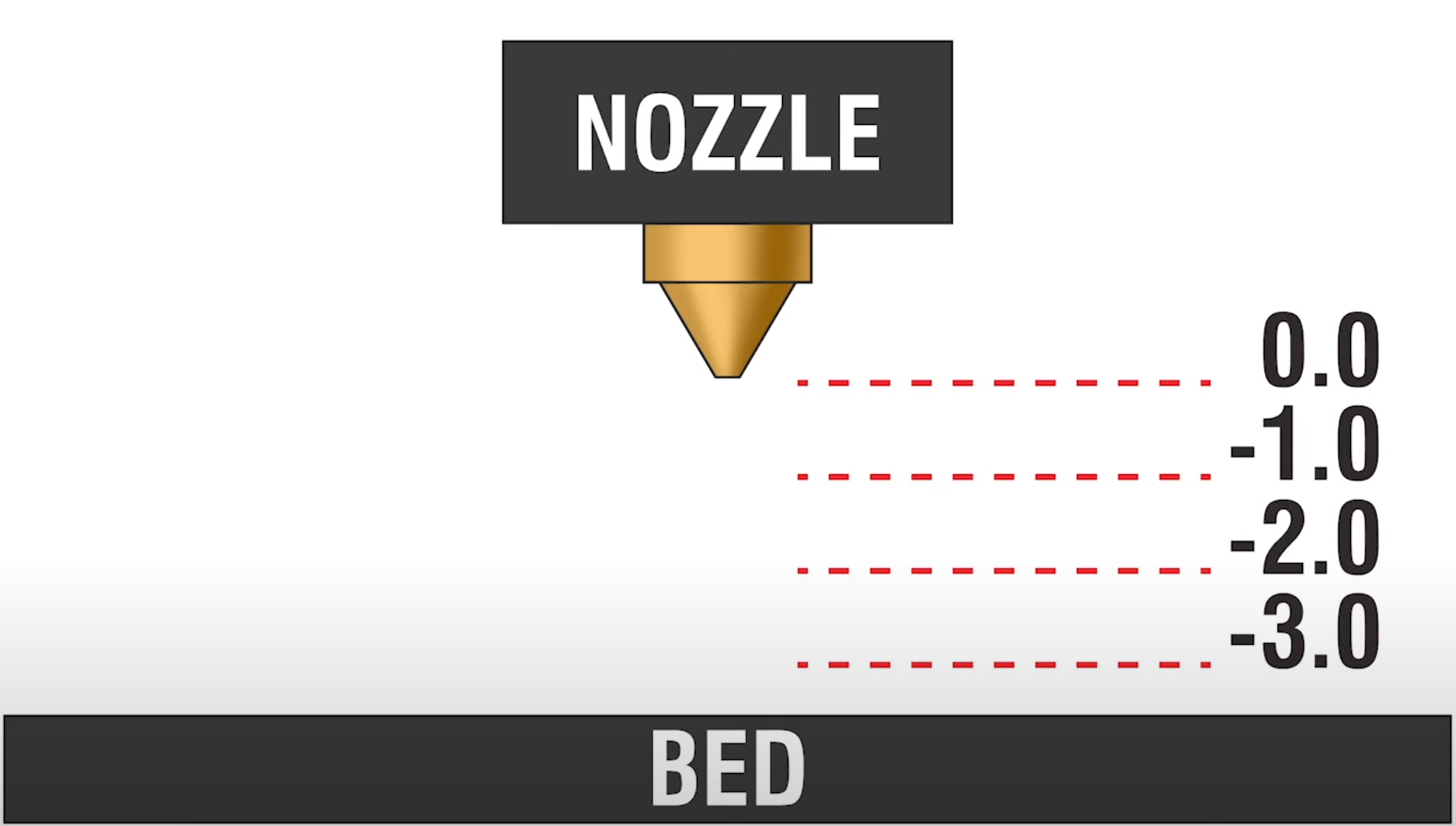
Example
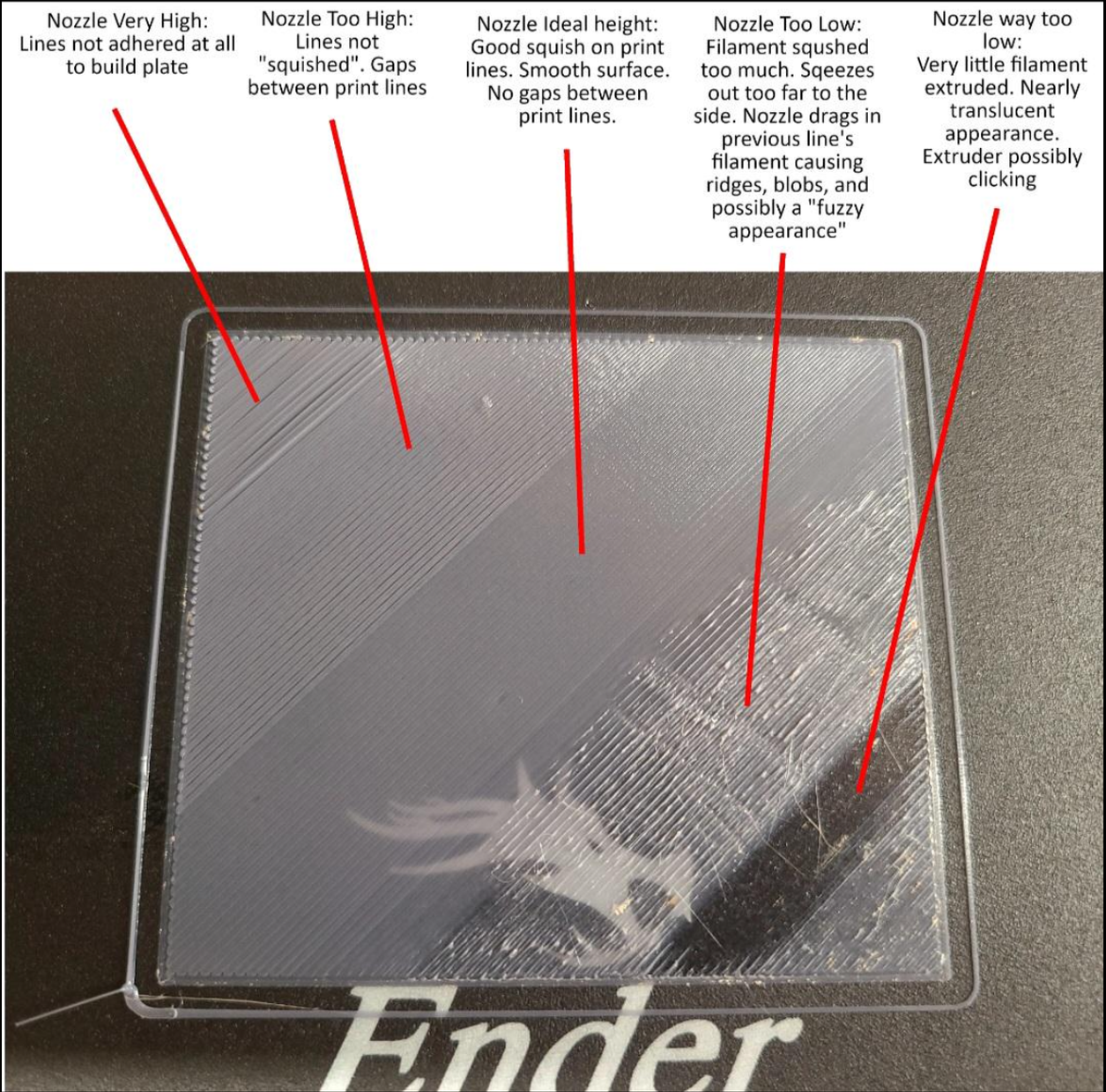
Good:
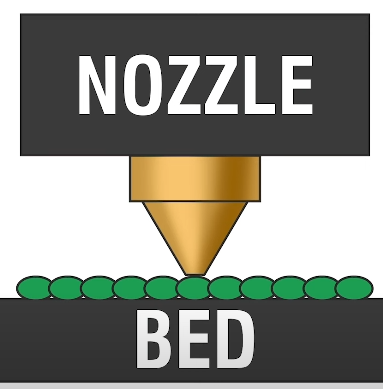
Bad:
Too close to bed, make Z-Offset less negative
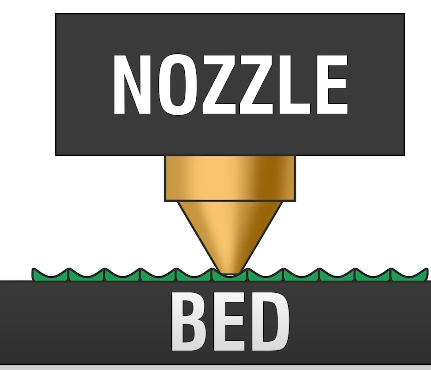
Too far
Too far from bed, make Z-Offset more negative
Bad Adhesion
- Slower print speed (10mm/s initial layer parameter and 30mm/s infill)
- Clean your bed with Dawn dish soap and water
- Redo Z-offset (if you know your z-offset is good then skip this part)
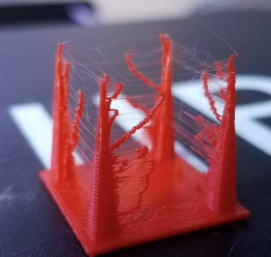
Stringing
When retraction properly tuned, this has the effect of removing stringing, the unwanted oozing of plastic between two points of the model.
G-Code
Enable saved mesh in G-code
If you think CR-Touch is not doing its job, check your sliced G-Code M420 If you have Klipper KAMP enabled, you dont need M420, it will do a mesh everytime a print happens
- My usual first question: Does the gcode include a M420 S1 command after the G28 command to enable the saved mesh?
"....
G28 ;Home
M420 S1; Enable mesh leveling
...."