Printer
Type
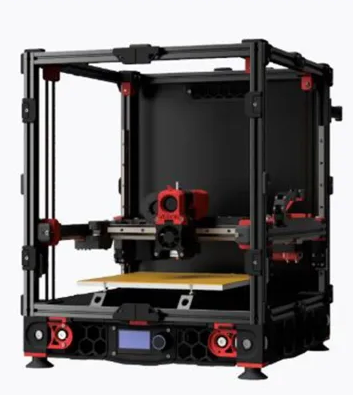
Core XY
Bed is moving along z axis (z axis should move the least, only move when going to next layer). Voron is the best open source CoreXY machine. Due to extruder moving in X and Y axis without any constrains and object does not move compare to bed slinger, Core XY usually have higher print speed
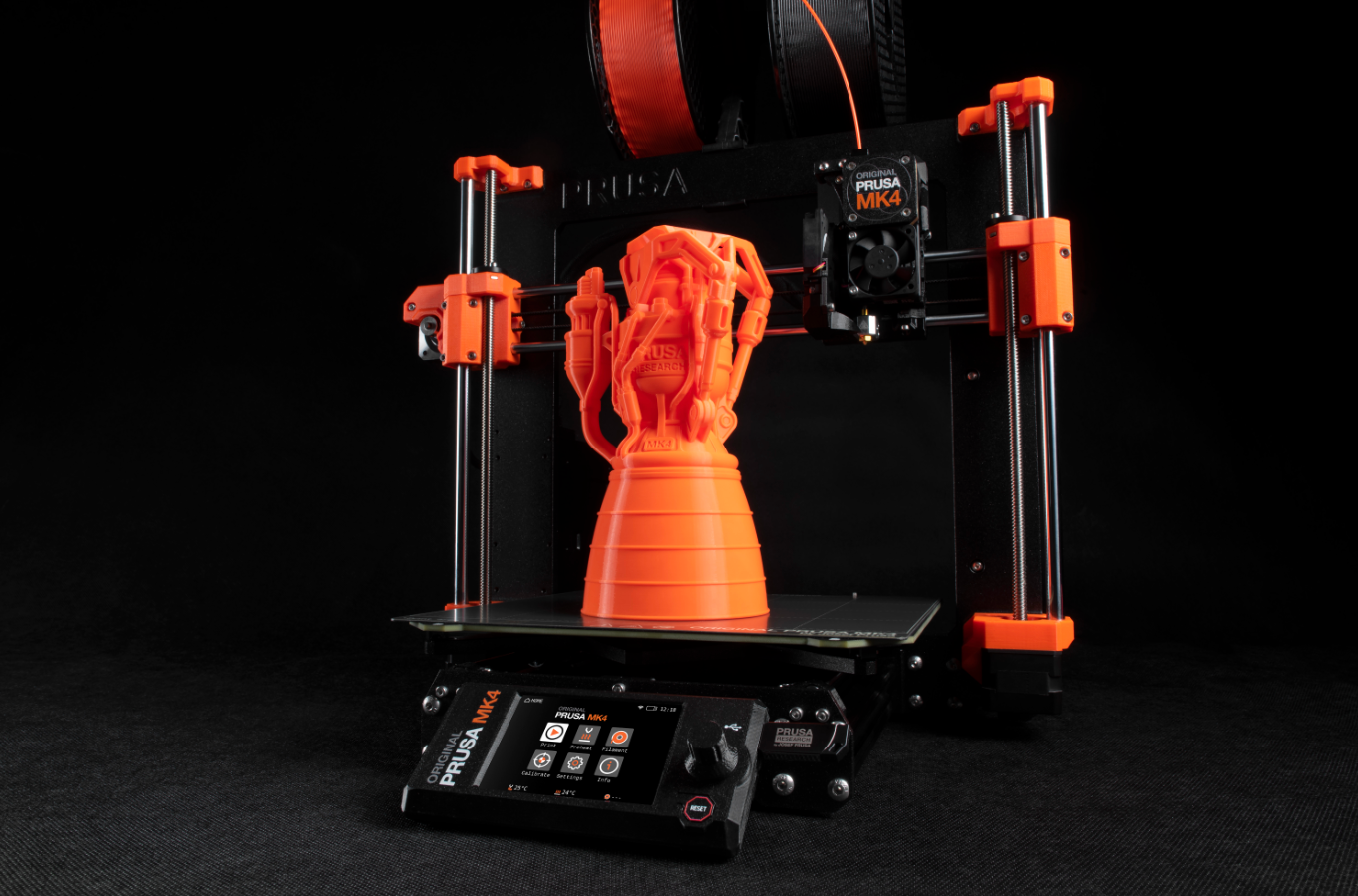
Bed slinger
Bed is moving along the y axis, Prusa is the OG and best open source bed slinger printer. Due to y axis movement meant the object is moving while printing, result in reduce print speed. Since bed slinger is more common, we will use bed slinger for following tutorial
Axis
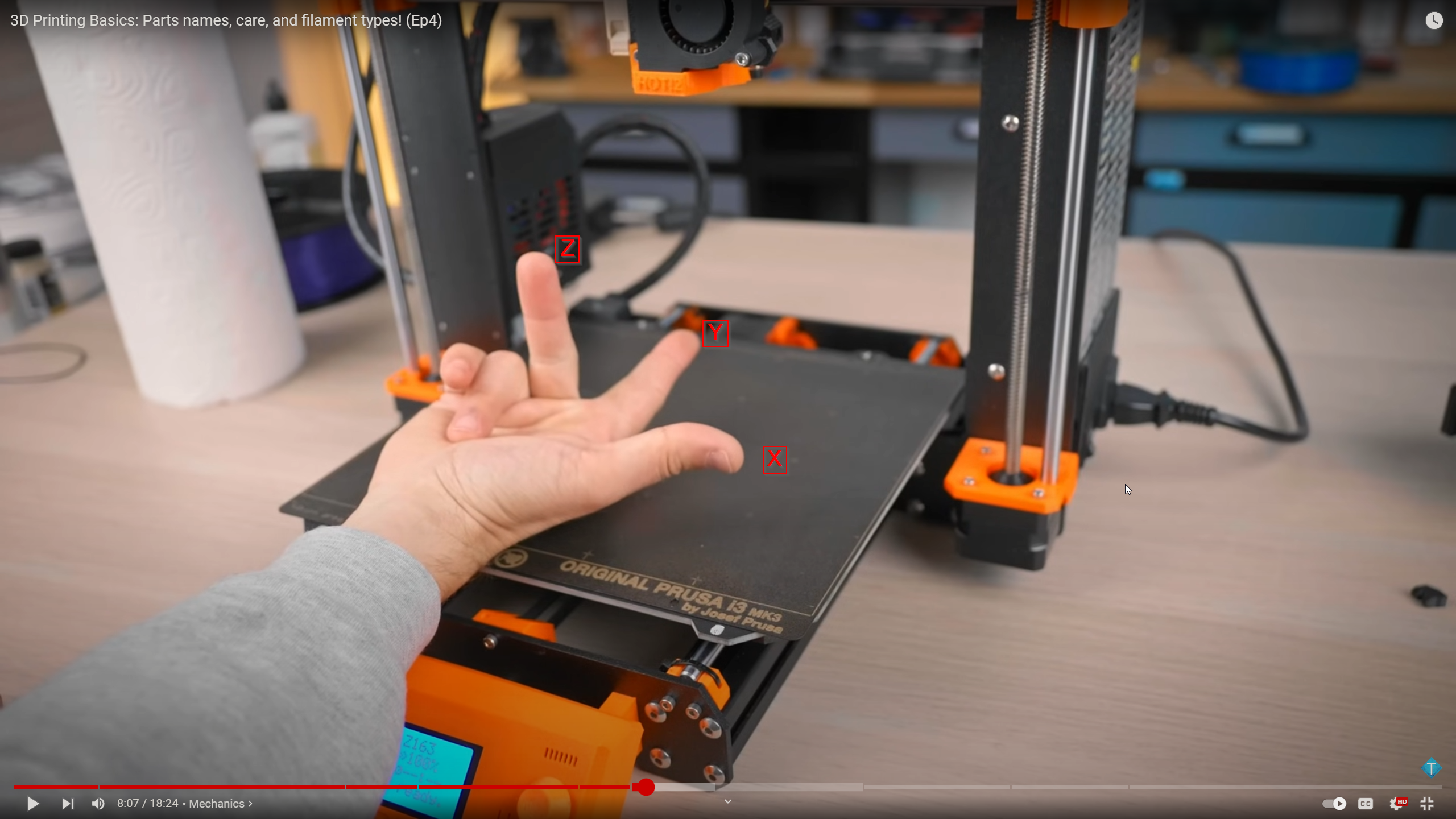
If you are facing the printer top down:
- X is printhead moving horizontally
- Y is bed moving vertically
- Z is printhead moving upward toward your face
- Bottom left corner is x=0 y=0
- Printhead on bed is z=0
Lead screw
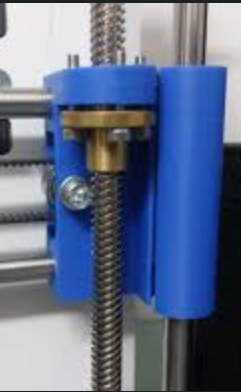
This vertical rod with threading is called a lead screw. This is most commonly seen on Z axis but can be else where.
V Slot
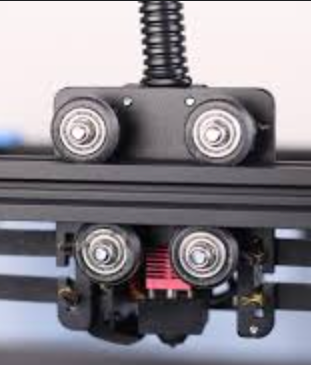
Shape like a V, usually consist of 3 or more POM wheels used to move hotend left and right (with belts)
Linear Rail
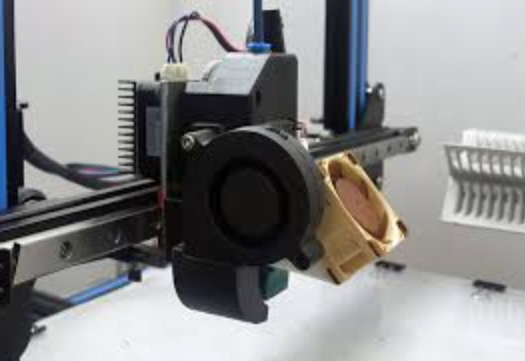
More frictionless moving mechanism compare to POM wheels, quieter too. Less friction means cranking up acceleration => faster print
Components
Printhead
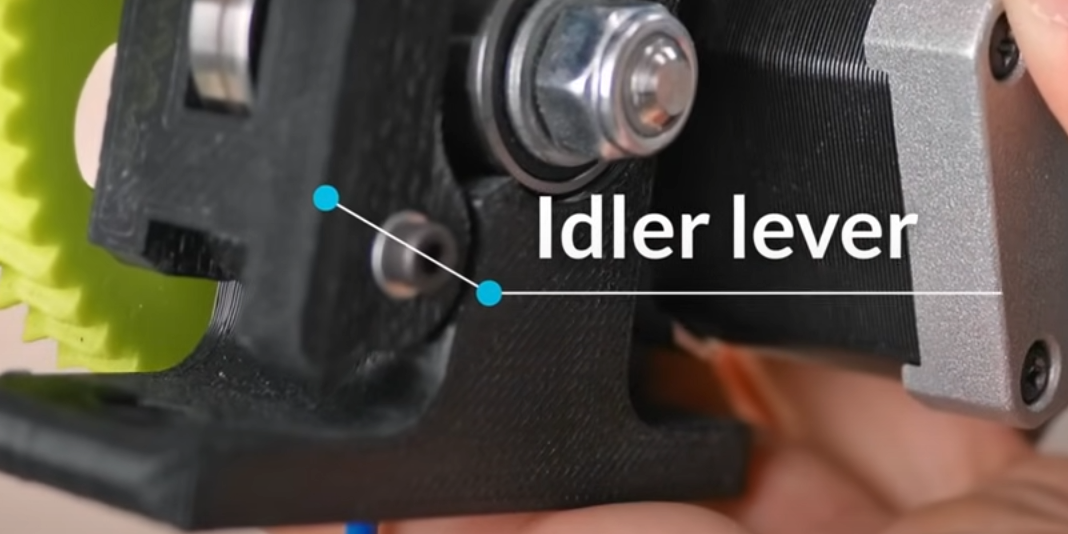
Idler
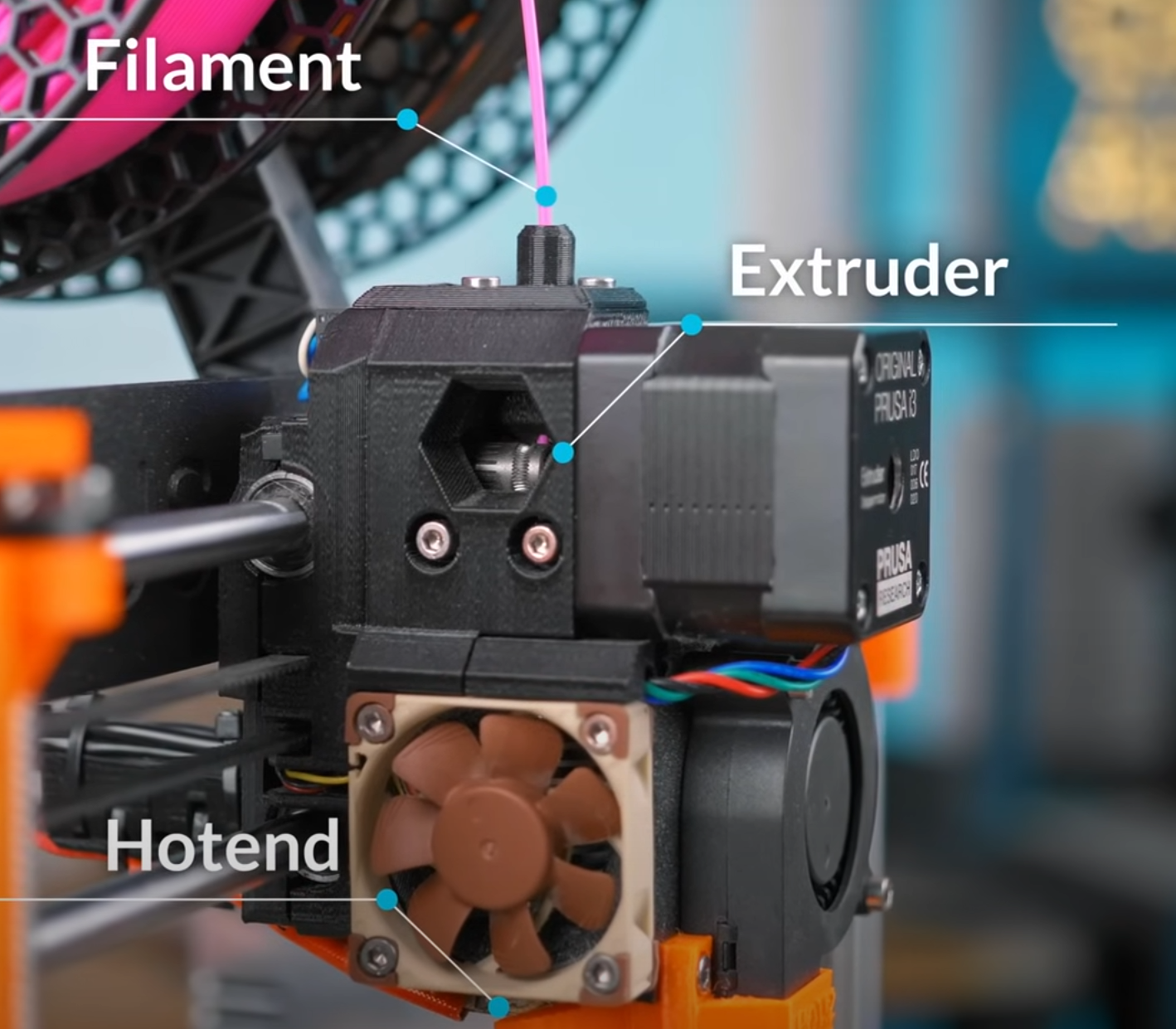
This is the tab you initially push and manually feed filament into the extruder
Drive Gear
Feed/grab filament into hot end, extruder gear only need to be tight enough for filament to not slip
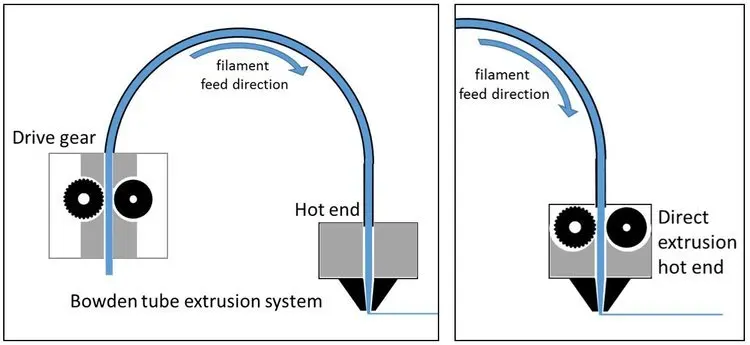
Bowden Tube vs Direct Drive
- Bowden tube have external drive gear separated from hotend (2 separate unit)
- Direct drive have drive gear inside hotend (1 single unit, more common now days)
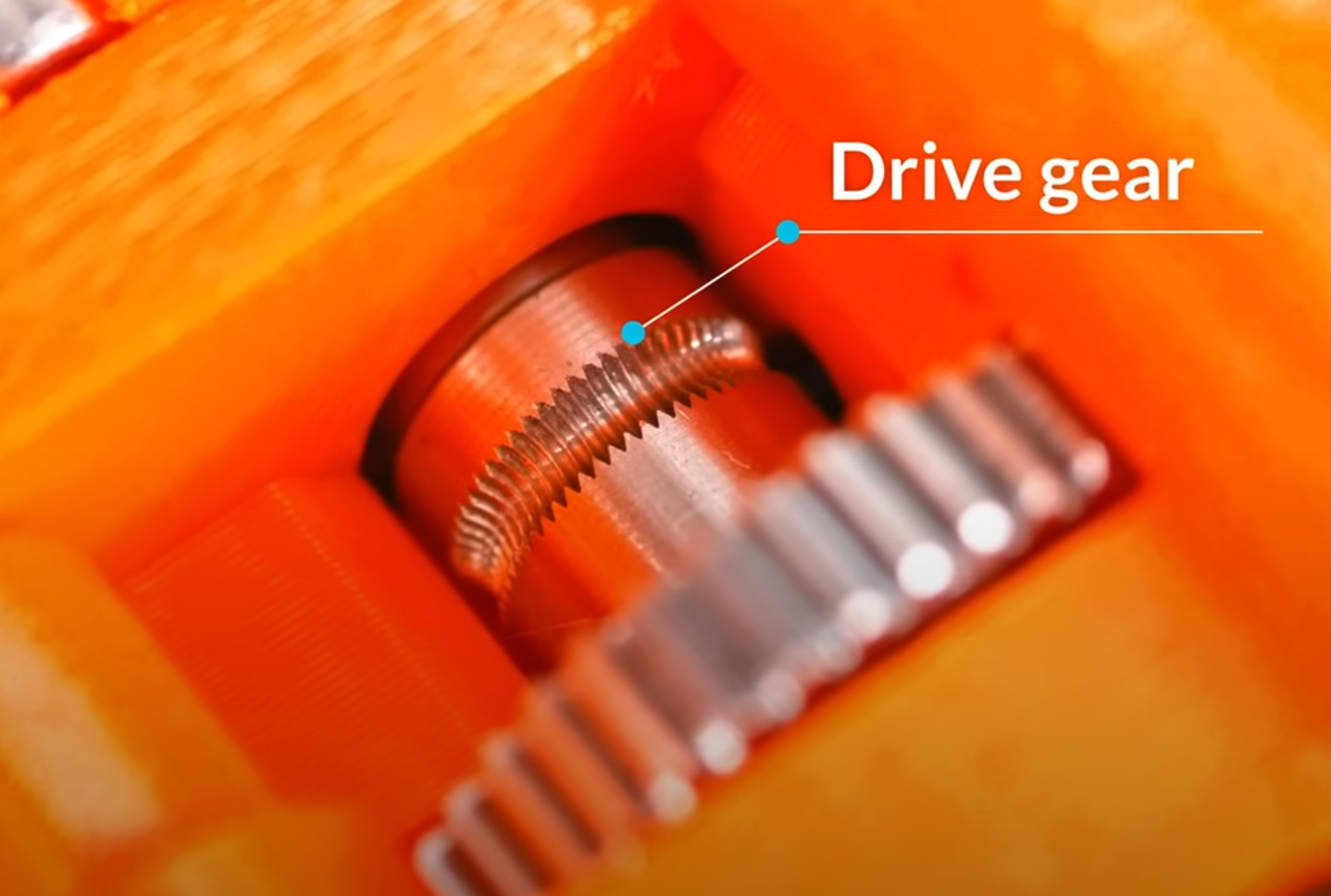
Drive Gear
Grabbing the filament that got pushed down by Idler
Hot end
Where filament stick turn into goo loqkTc0o_Rs?si=eAAHPObWBCOfU8Md
OEM hotend
PTFE tube going past heat break and directly into heating element, DO NOT USE ABOVE 240C!!! Above 240 PTFE degrades and off gas neurotoxin
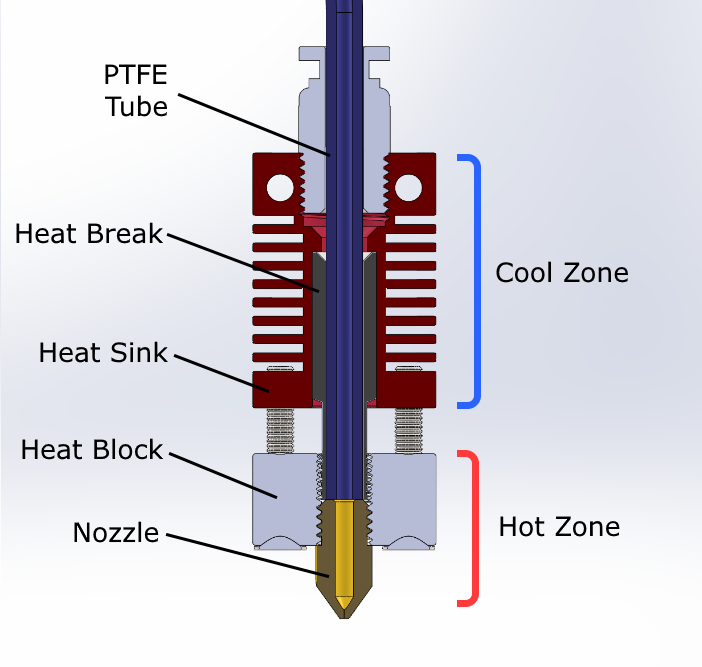
All metal hotend
All metal hotend, PTFE tube does not go into hotend, PTFE tube stop at top of heat break, this allow hotend go above 240C to around 300C
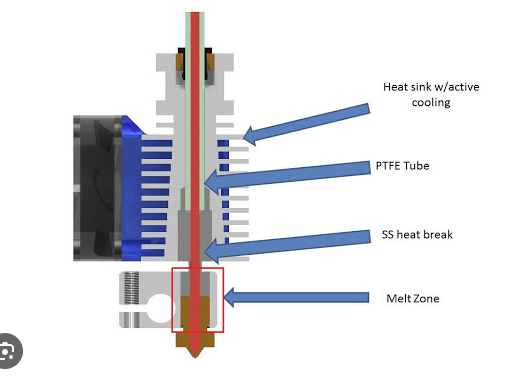
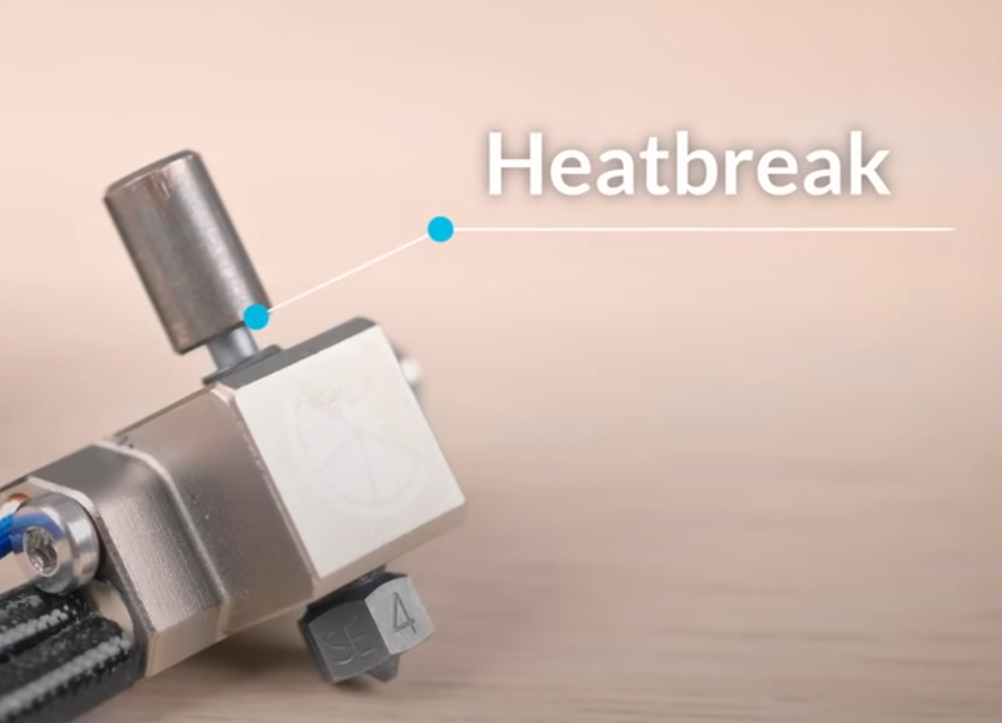
Heat break aka throat
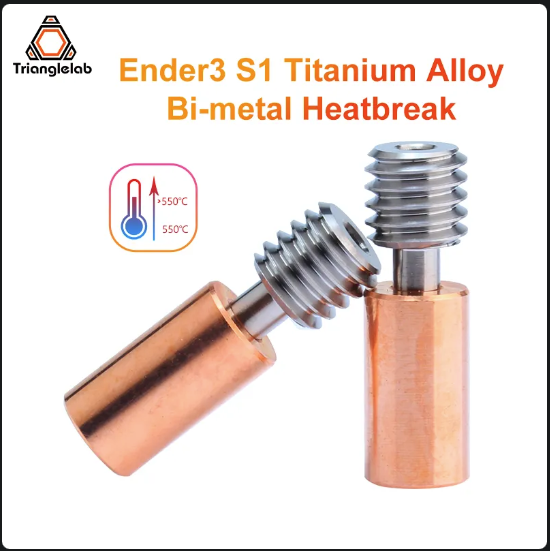
Bi-Metal Heatbreak
It is named “Bi-Metal Heatbreak” It has two components with different thermal conductivity. It is composed of 2 parts. The use of two metals ensures that heat transfers freely within the hot side, but cannot move quickly to the cold side
 Structural support the entire hot end and prevent as much heat into heatsink as possible. Heat break as the name suggest is to break the heat to only the hot nozzle size, and other side should be as cool as possible to prevent premature melting of filament via heat sink fan Hot end fan, specifically heat sink fan. Heat break combine with heat sink make filament maintain solid form until it reach hot nozzle.
Size
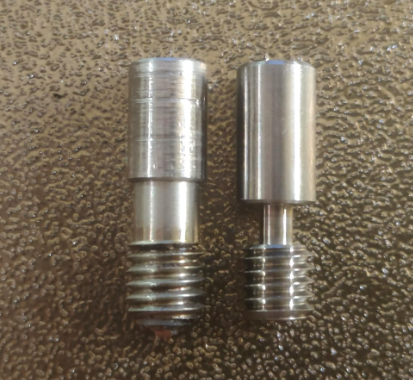
Left side is the PTFE tube going all the way down to the hot nozzle, note the part above the threading is very fat. VS. Right side after market heat break with a thinner neck, only allowing the filament go through, PTFE tube will stop at the cold part of the heat break. Thus reduce temperature and not melting PTFE
You can see heat break is what stops the PTFE tube from going all the way into the nozzle. (if you are using after market heat break)
Heat sink
Not to cool down heat block (heat block need to be hot for proper melting). Heat sink need to keep upper part of heat break to function, making sure the filament solid until reaching hot nozzle
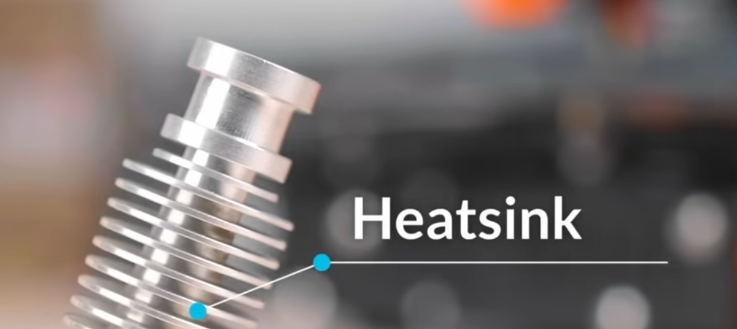
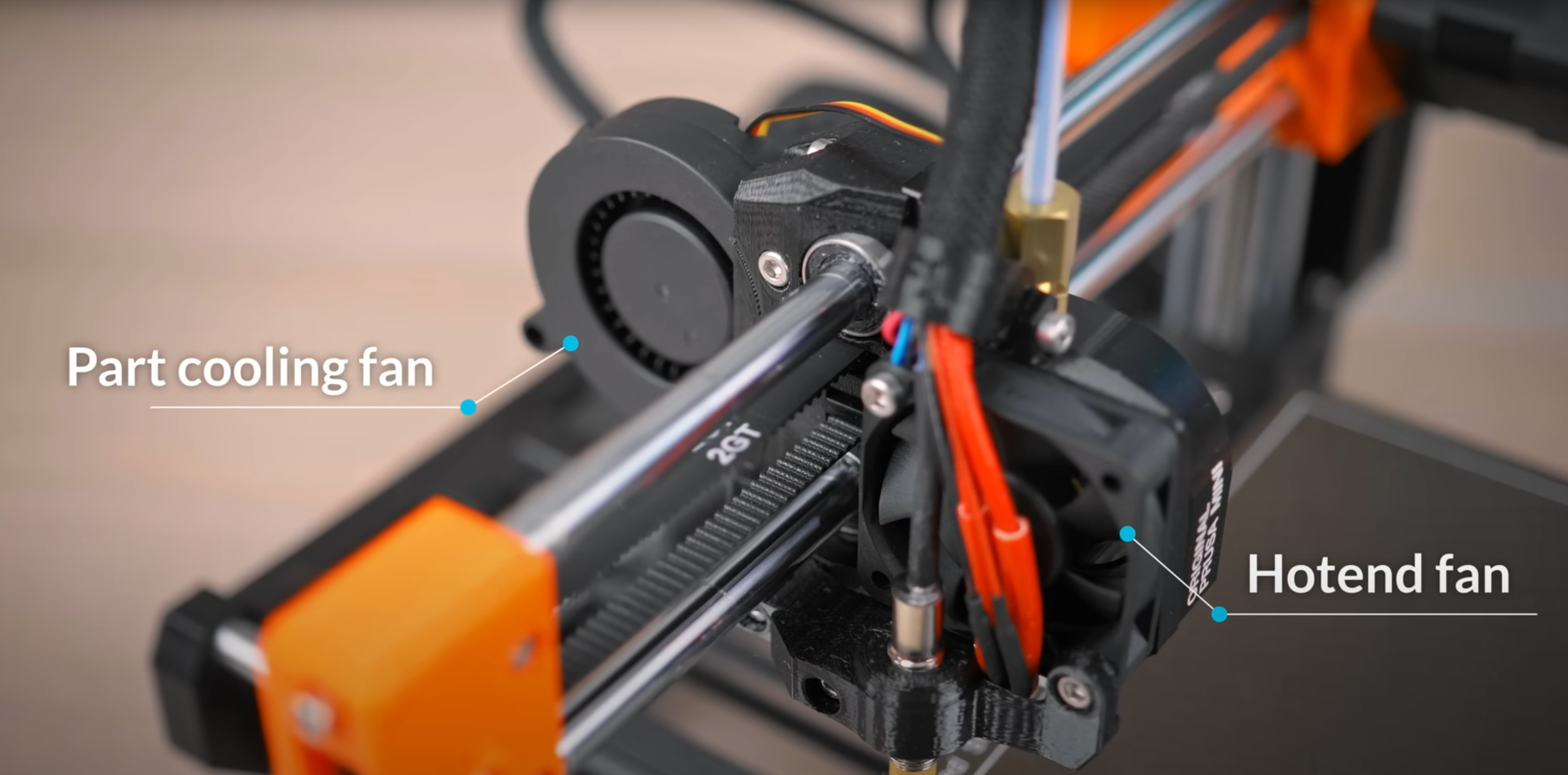
Hotend fan
Heat sink fan
4010 for all Ender 3 series
Blowing into heat sink for indirectly cooling the heat break
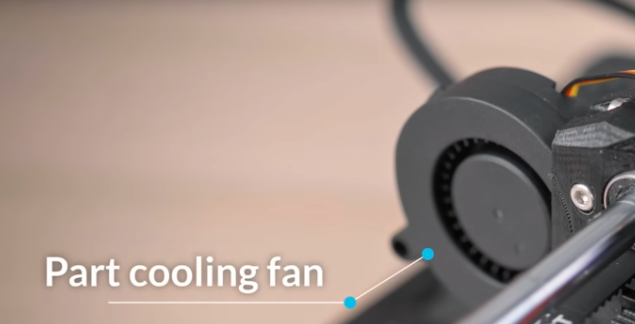
Part cooling fan (blower style)
Blowing onto printed object, so filament can become solid as soon as possible. This is the determining factor on how well your printer does overhang and bridging. Part cooling fan should not be blowing into hot nozzle but under nozzle toward the part
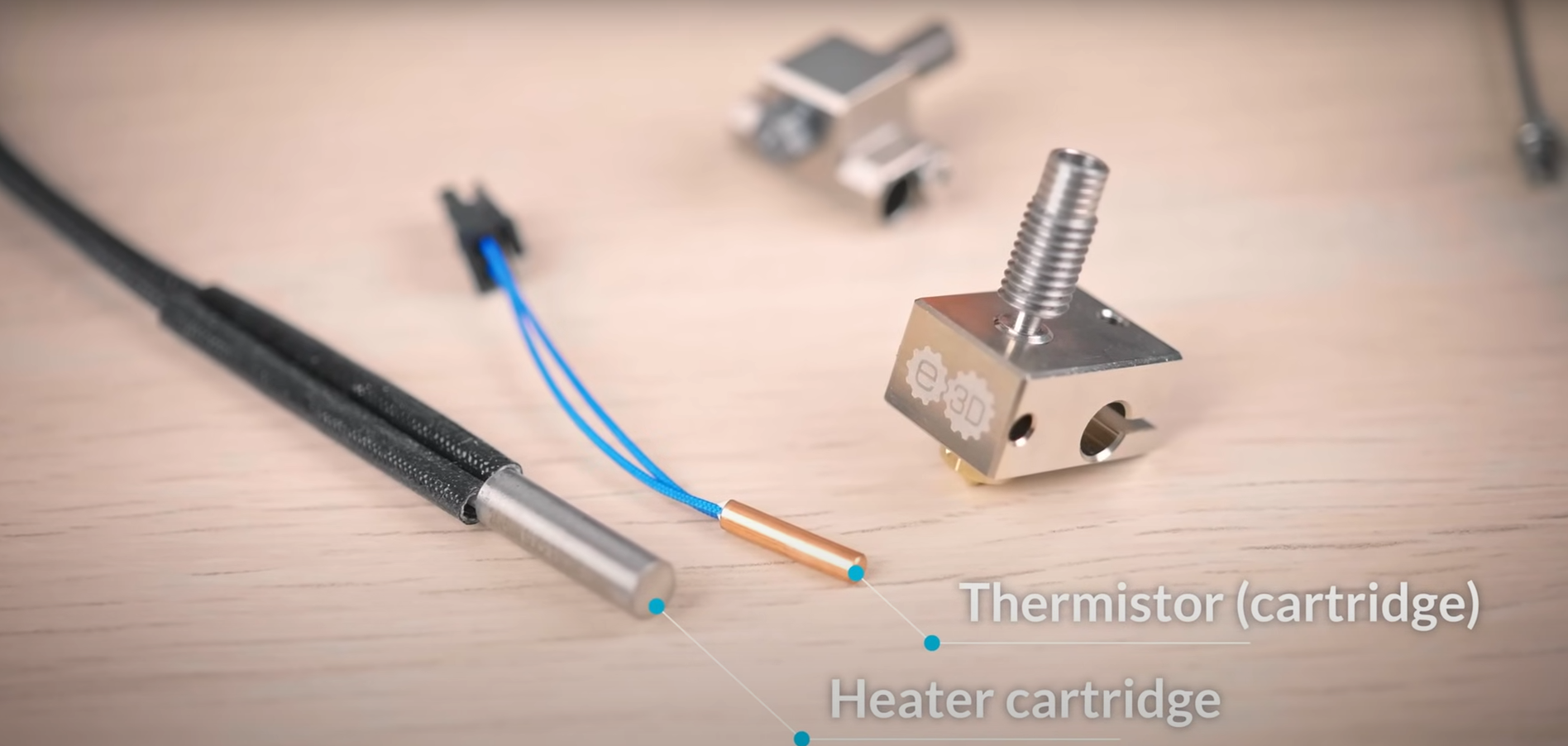
Heater Cartridge and thermistor
Heater cartridge is what provides the heating while the thermistor is reporting temperature back to the user
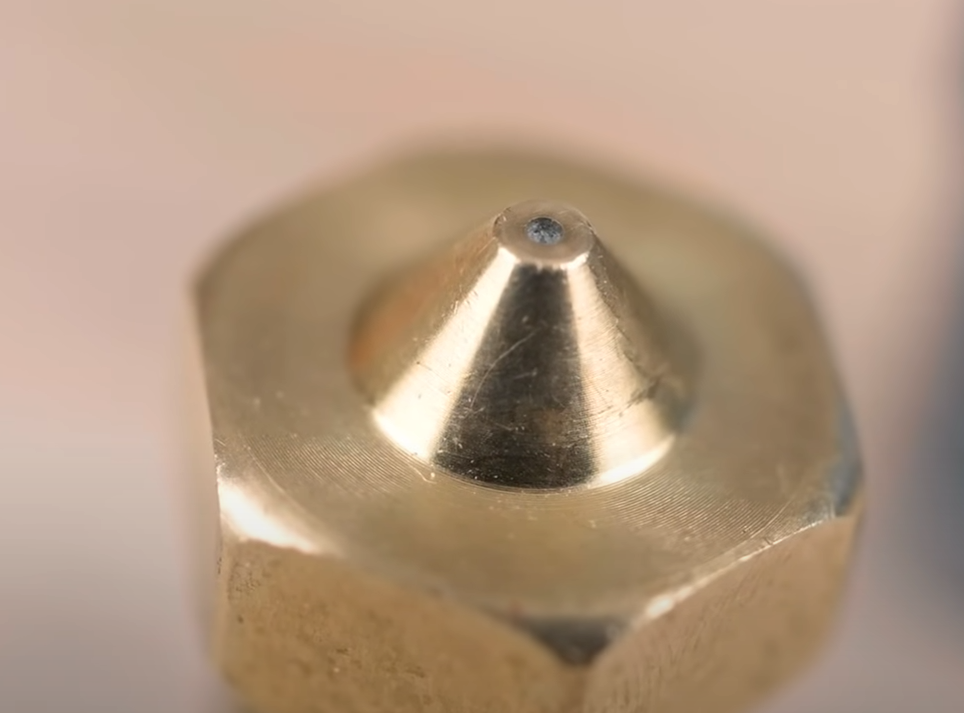
Ender 3 V3 SE nozzle
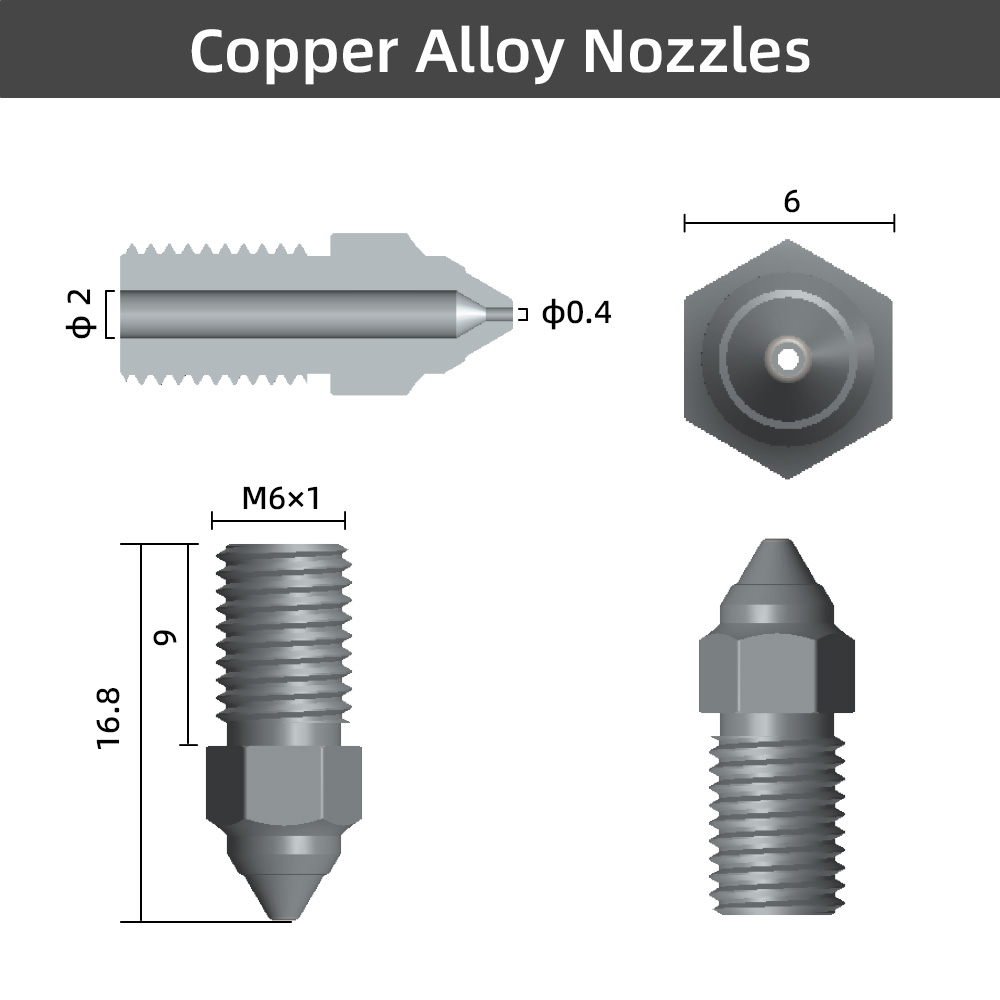
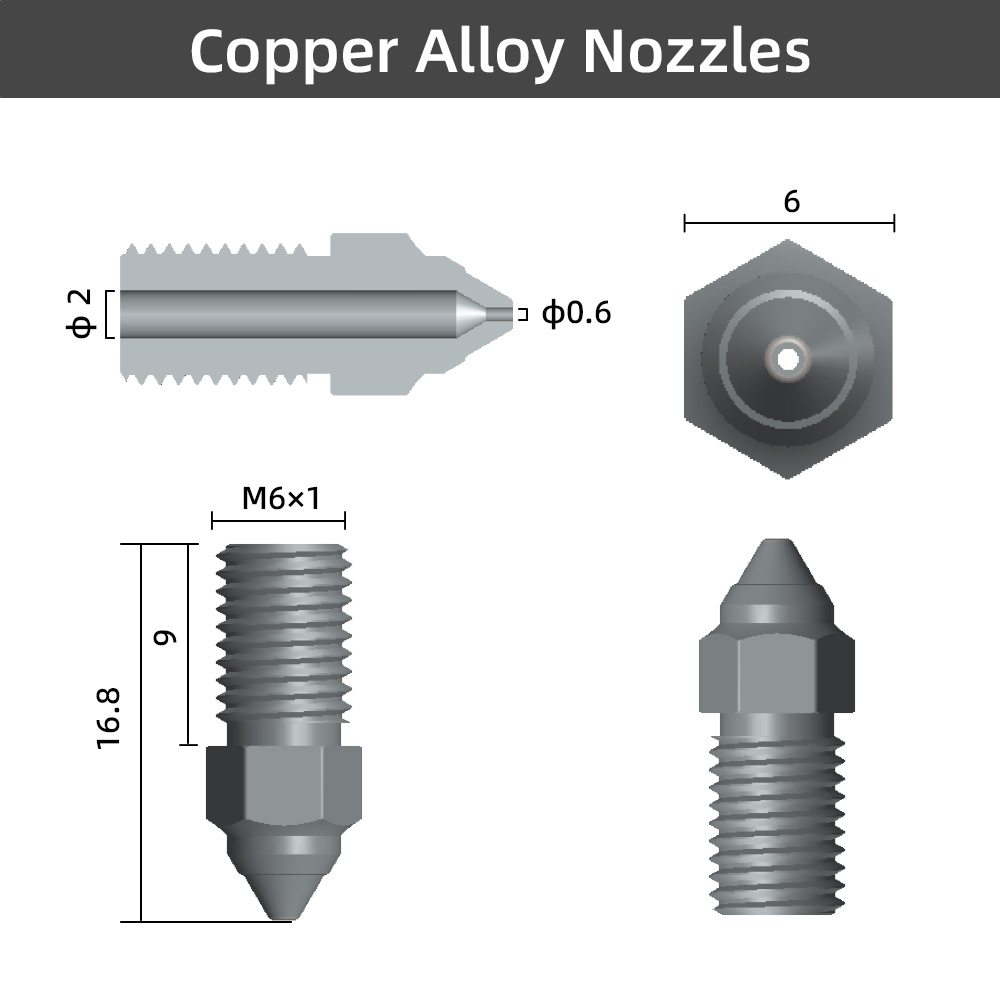
Creality Spider Nozzle, it is proprietary, not MK or any standard threading.
high-speed-nozzle-kit
Motor
Motor are current driven device, but increase voltage while current limit will add torque, in turn will allow for faster start/stop
Ok. Stepper motors are indeed current-mode devices. If you apply a voltage to one, say, 5V, the current through the motor will climb relatively slowly (because it’s an inductor), rising until the resistance of the wire windings in the motor limits the current. The voltage rating of a stepper is generally the highest voltage where the heat generated by the resistance of the winding keeps the motor temperature low enough to avoid damage to the motor. That temperature is probably still hot enough to cause plenty of damage to your finger.
Why would some use 10v to drive a 5V motor? The main reason is to speed up the motor. If you drive the motor with 5V, it might take 1 millisecond for the current through the winding to rise to the point that the torque of the motor is sufficient to complete 1 step. If you drive the motor with 10V, it might take half that time to complete a step-your printer is now twice as fast. But, won’t the motor melt because there’s now four times the current flowing through the windings (power = v2 / r, so twice the voltage creates for times the power loss in the winding)? Here’s where the magic of modern stepper motor driver chips comes in. The chip can use the higher voltage to make the stepper move faster, but it also monitors the current into the motor, and when it reaches the maximum programmed amount (say, 2 amps), the chip rapidly turns the voltage to the stepper on and off to keep the current from going over 2 amps average. You get the increased speed from having higher voltage, without melting your motor by having higher current flowing through it.
Every stepper driver chip has a maximum voltage that it can work with. So if you want to work with really high voltages, you’ll have to find a driver that’s capable of handling that voltage without disappearing in a puff of acrid smoke.
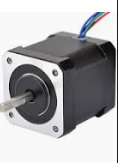
Stepper Motor
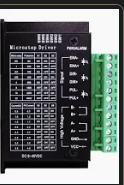
Stepper Motor Driver
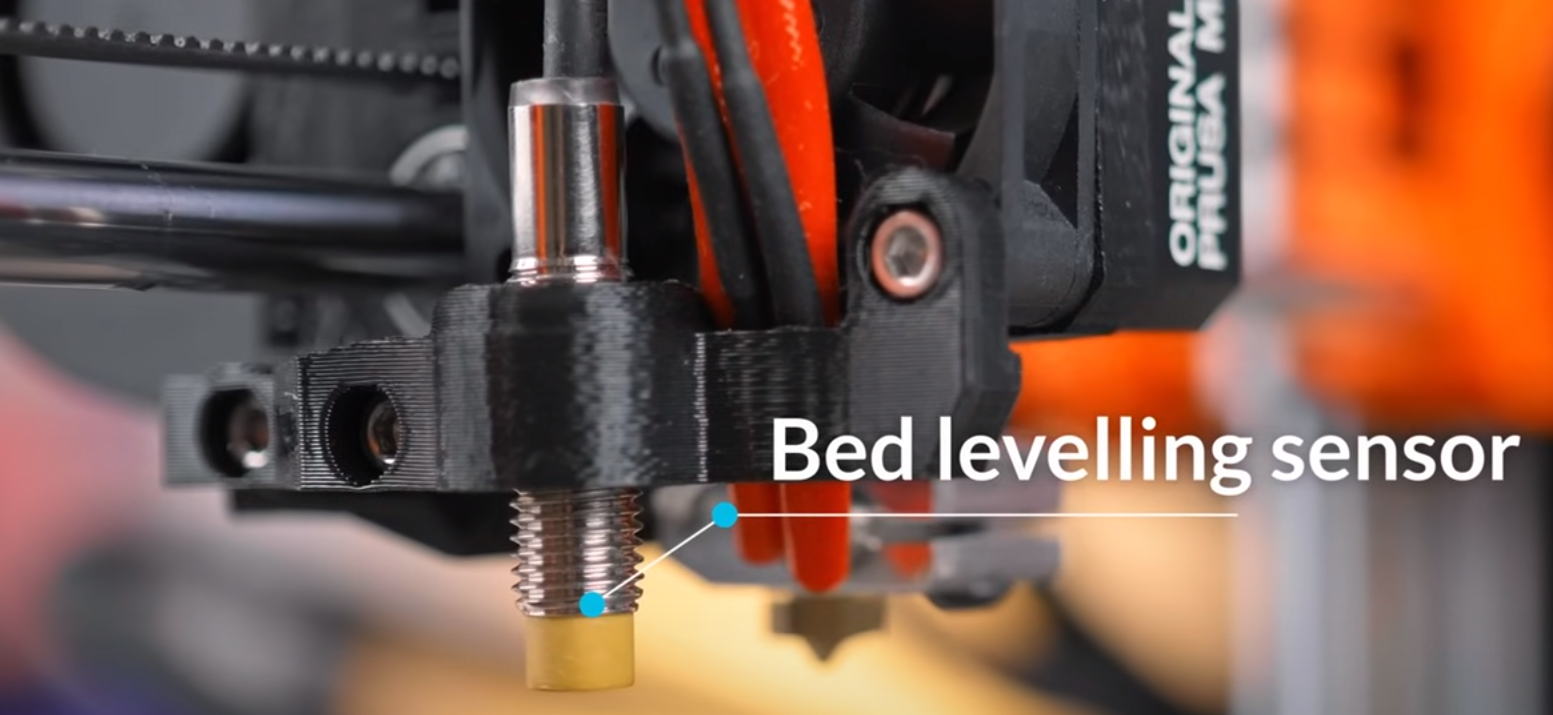
Bed leveling censor
A censor to tell the printer at what area the bed is slightly dented (might be microscopic), and printer can make accommodation according to the bed leveling for material adhesion to work properly