Maintenance
A base line of how often you need to check for your compontents
Bed cleaning
Do it every 5 prints Step 1 - Remove oil:
- Rinse with water then wash the plate with Dawn dish soap and green side of sponge. Scrub thoroughly, then dry with kitchen tower Step 2 - Remove chemical:
- Get 90%+ Isopropanol alcohol, and dilute it with distilled water to 50% water and 50% ethanol (alcohol). Use kitchen towel to wipe the entire area. If you are not already, please get yourself a PEI textured bed for easier adhesion and removal B0BBMKLG86
Hotend
Fans
2 - 5 Spool, check the fans, and clean the dust
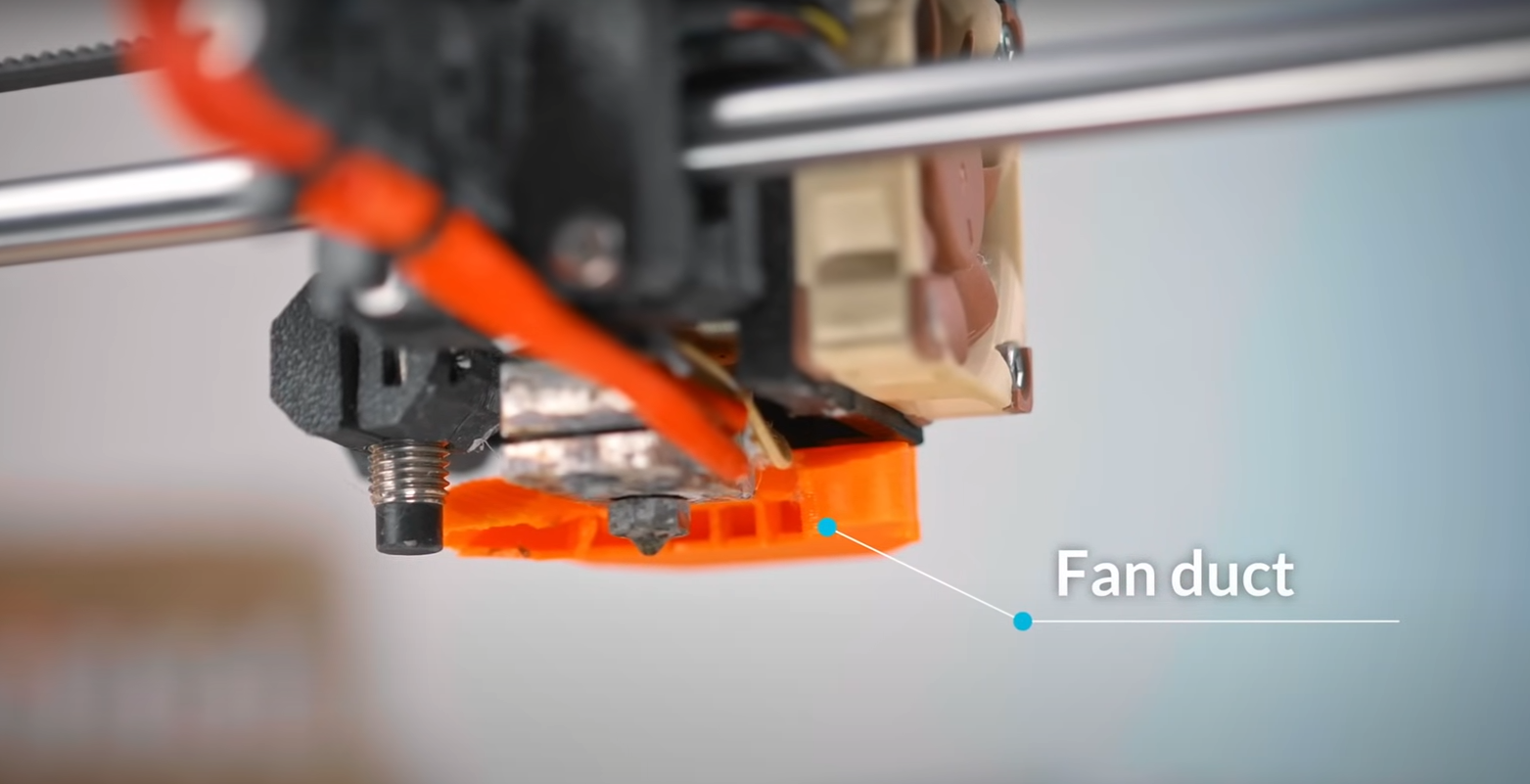
Making sure the part cooling fan aka. blower fan does not blow onto the hot end, use a different fan duct if needed
Nozzle
5 - 10 spools check your nozzle is getting wider, time to replace (use a spare nozzle for reference)
Cleaning / changing nozzle
Idler and Drive Gear
Every 50 spool, check on bearing and if the teeth have a lot of filament shavings, check your idler tension Every 20 spool, check on bearing teeth if its been worn down
Cold pull
Only if necessary, do Cold pull on hot end to get debris out of the hot end
Process
If the hot end or nozzle got clogged, or you want to switch color / material, its good to clean what is left inside the hot end
- Heat up the nozzle to your current filament melting temperature
- Extrude roughly 10mm of filament
- Bring down the temperature to 100C
- When it reach at 100C pull the filament out
- Repeat the process if the head is not clean after pull out
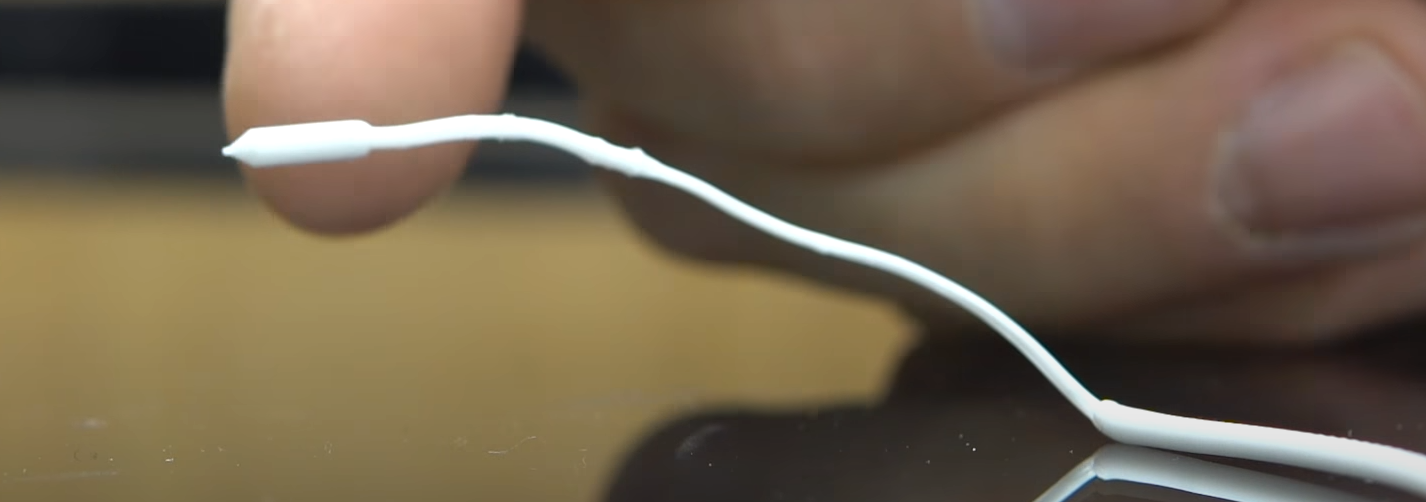
Should look like the following image, the first bulky part is where the nozzle is, and this will clear out all the debris along the way
Heat break
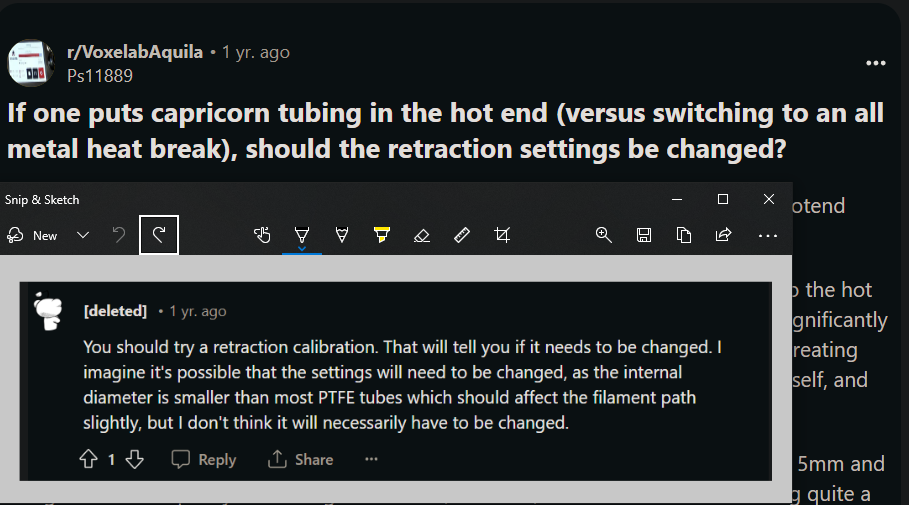
After changing heat break, do retraction calibration again
Axis cleaning
Belt tension should sound like bass of a guitar, adjust accordingly
X axis cleaning
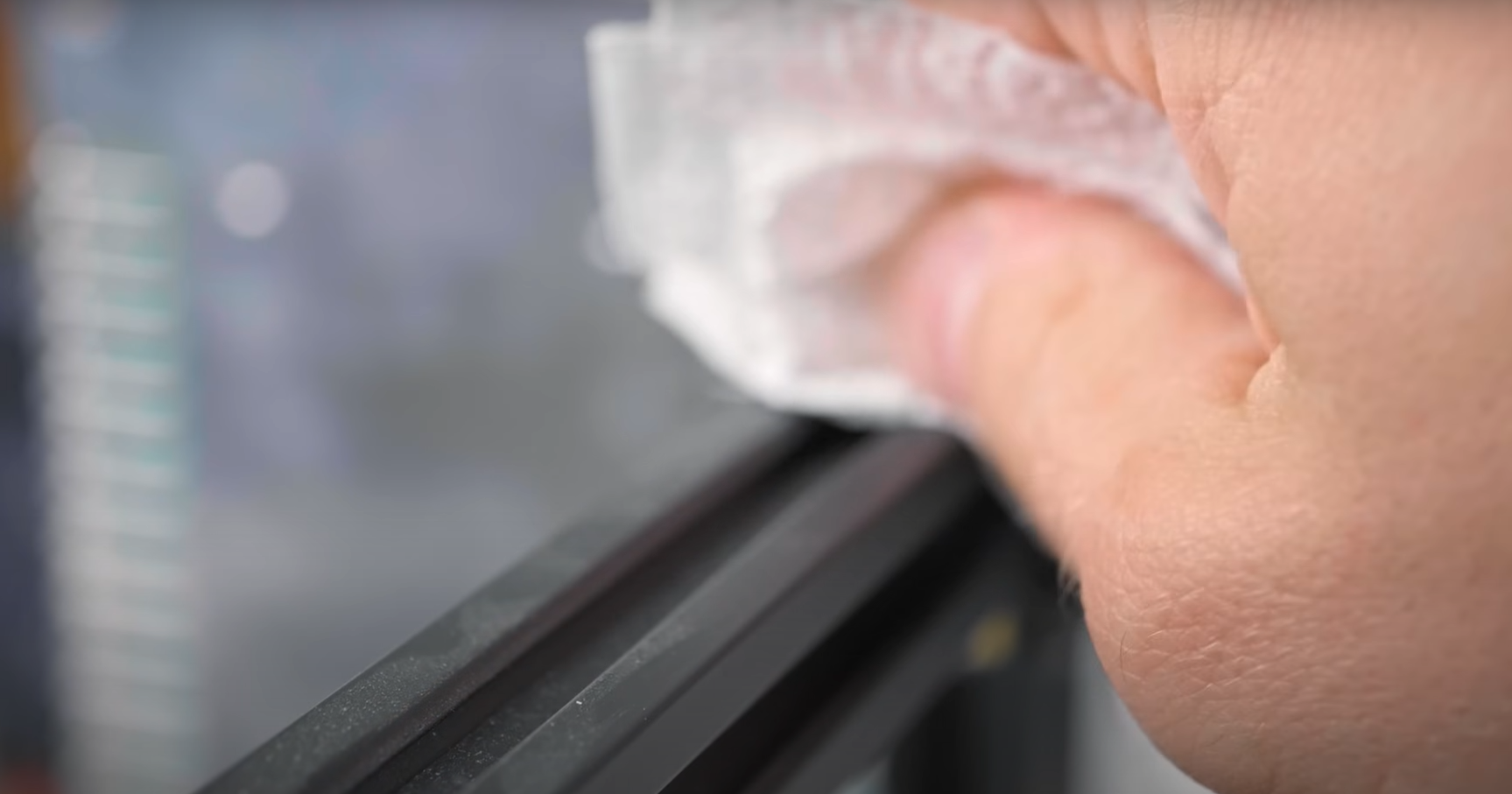
Clean rails before use, if left for a while. Check if POM wheel have shaving (indication it is rubbing too much against aluminum extrusion). When you wiggle the hotend wheels should not be too tight, but on the same note should be loose that it wiggles.
Y and Z axis rod
Every 10 - 20 spools
Electronic
Check every 10 - 20 spool if motherboard have any discoloration